Voltmax Energy Solutions in Luxembourg

Service

Technical Support

Photovoltaic System Service in Luxembourg

If you have noticed a malfunction with your photovoltaic system, a drop in energy production, error messages in the app, or a problem with the inverter, please provide as much detail as possible. A precise report allows us to diagnose the fault more quickly and propose a suitable solution.

If you have any technical issues, please contact us by email at service@voltmax.lu
or fill out the service form below.

The more specific information we receive upfront, the more efficiently we will process your request.

electrical work (1)
Technical Support

How to properly report a problem?

In the message or form, please provide:

  • the address of the installation,
  • the name and surname of the installation owner,
  • a contact phone number,
  • the date the problem occurred,
    a detailed description of the symptoms,
  • the name of the device affected, if visible,
  • the error message or error code,
  • screenshots from the app or photos of the inverter, meter, or switchboard,
  • information on whether the problem is persistent or intermittent.

A well-prepared report significantly shortens the time needed for verification. In many cases, based on the information provided, we can determine whether the problem requires remote diagnostics, a settings update, or an on-site technician visit.

Please describe the issue in as much detail as possible and attach photos or screenshots, if available. This will help our support team investigate your request more quickly.

Name
I confirm and accept
Consents:

Check out popular solutions

Before you need help from a technician, check out these few steps that can help you fix the most common problems yourself.

What should you do before submitting a request?

Before contacting service, it’s worth checking whether:

  • there’s an error message displayed on the inverter or in the app,
  • the system has internet access if monitoring is online,
  • there hasn’t been a power outage or a temporary grid failure.

Please do not disassemble the devices or attempt to repair the system yourself. A photovoltaic system is an electrical installation, and all service work should be performed only by qualified personnel.

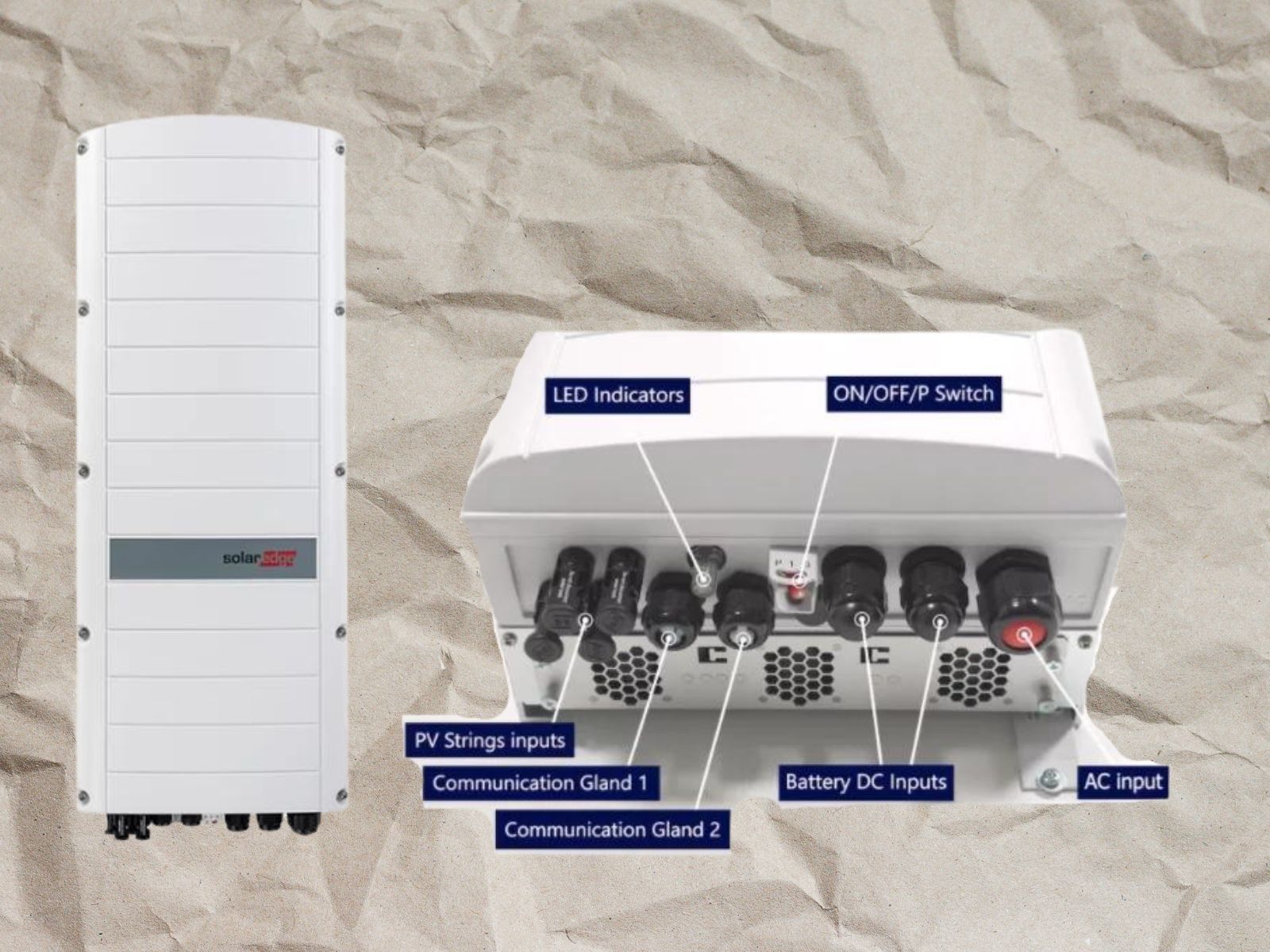
Understanding SolarEdge Inverter Status LED

Understanding SolarEdge Inverter Status LED

Decoding LED Indicators and Switch Positions for System Performance Insights. Three color-coded LEDs, each providing crucial information about your system’s operation.
SolarEdge App Not Displaying Production Data

SolarEdge App Not Displaying Production Data

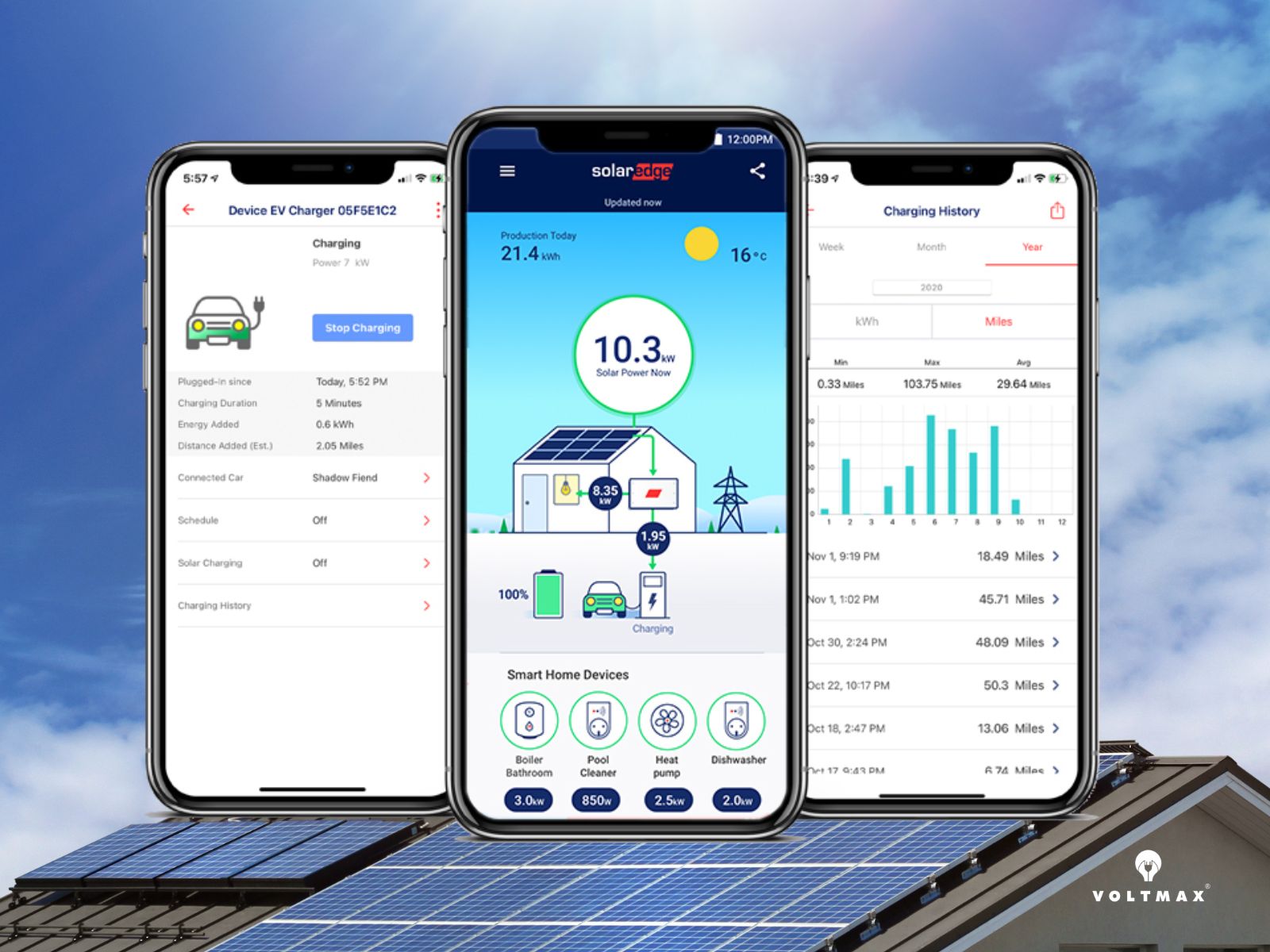
If the mySolarEdge app does not display production data, the problem is often related to communication between the inverter and SolarEdge’s monitoring servers, not necessarily to solar production itself.
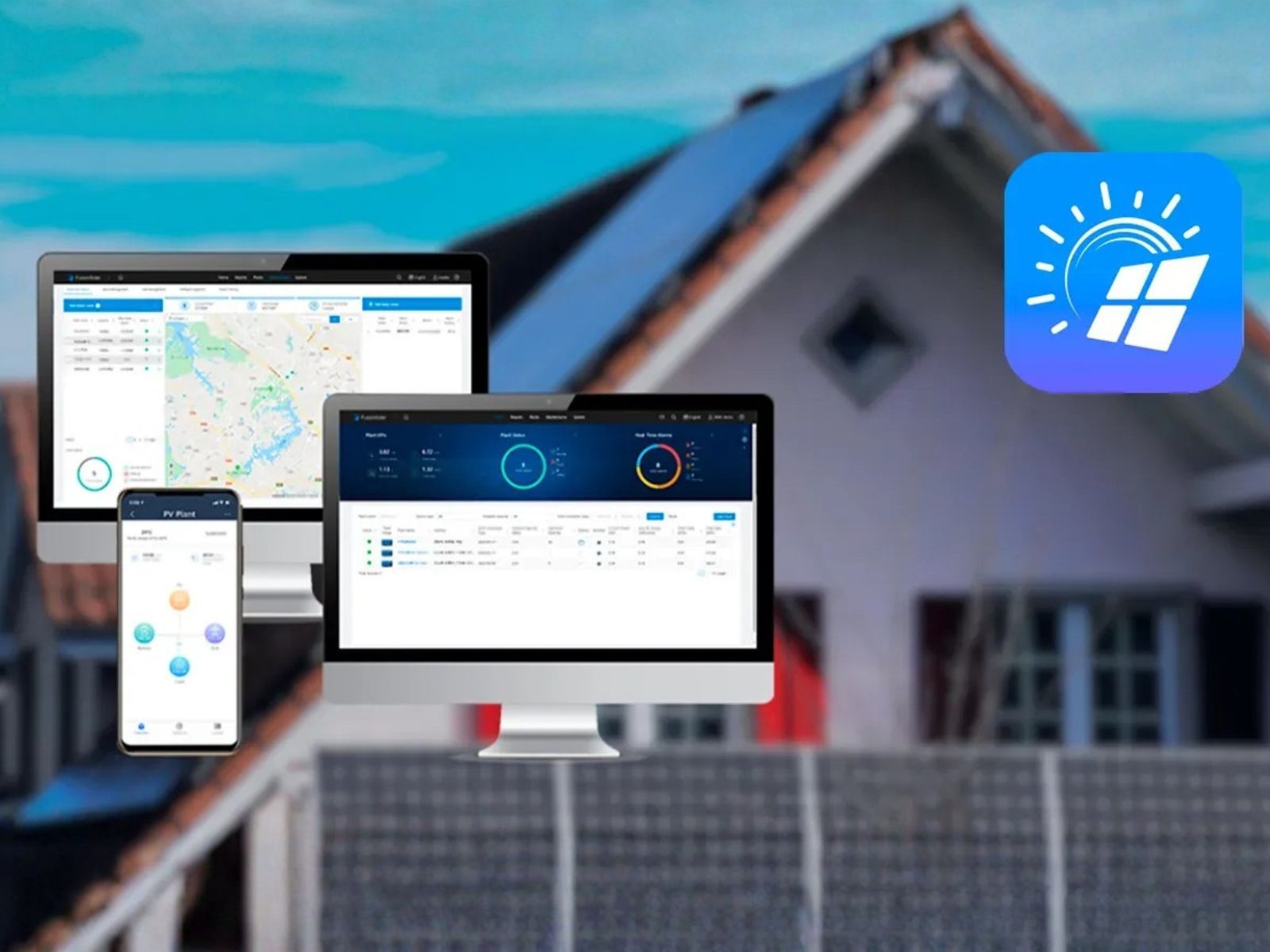
Huawei Router Connection Settings (WLAN Configuration)

Huawei Router Connection Settings (WLAN Configuration)

If your Huawei solar system is not connected to the internet or monitoring data is no longer updating, checking the router connection settings is one of the first steps. This guide explains how to configure WLAN connection in the FusionSolar app and reconnect the device to your local Wi-Fi network.